Calendar
Your month at a glance
From your mobile plan to your gym, see what you pay each month and which payments are coming up.
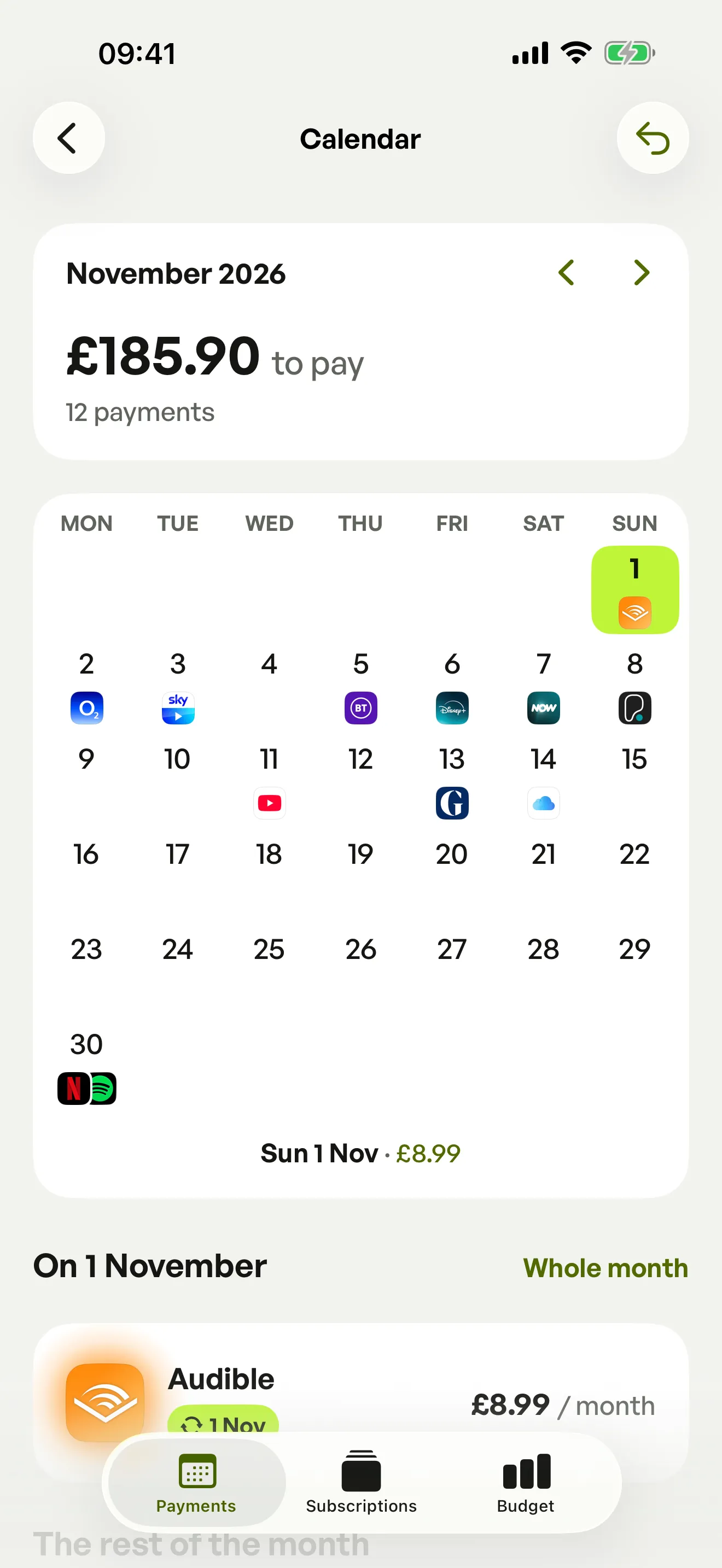
See everything you pay in one place, get a reminder before every payment and stop paying for ghost subscriptions.

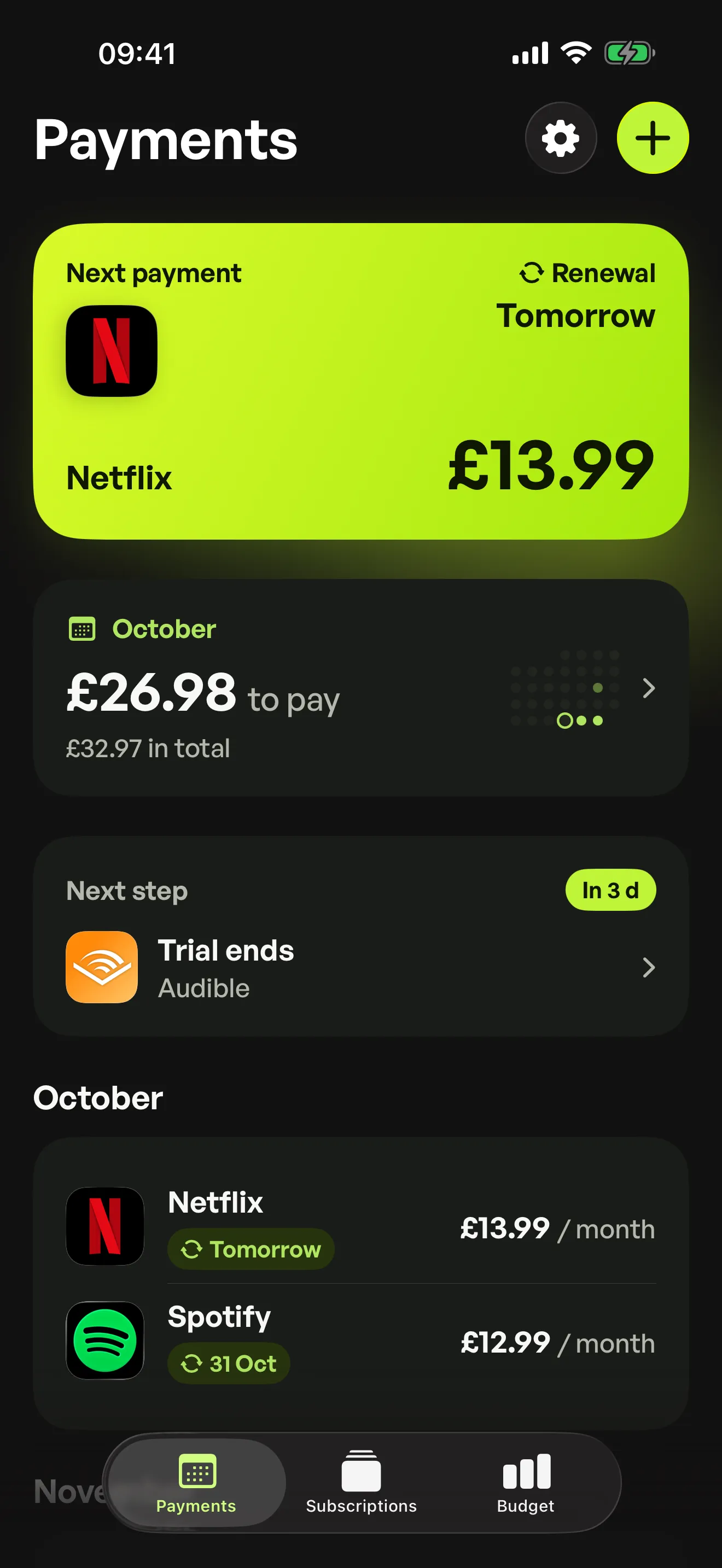

A due date to watch
See the details and your next actions in Spook.

Everything you pay each month, the dates that matter and the subscriptions hiding in your bank statements.
Calendar
From your mobile plan to your gym, see what you pay each month and which payments are coming up.
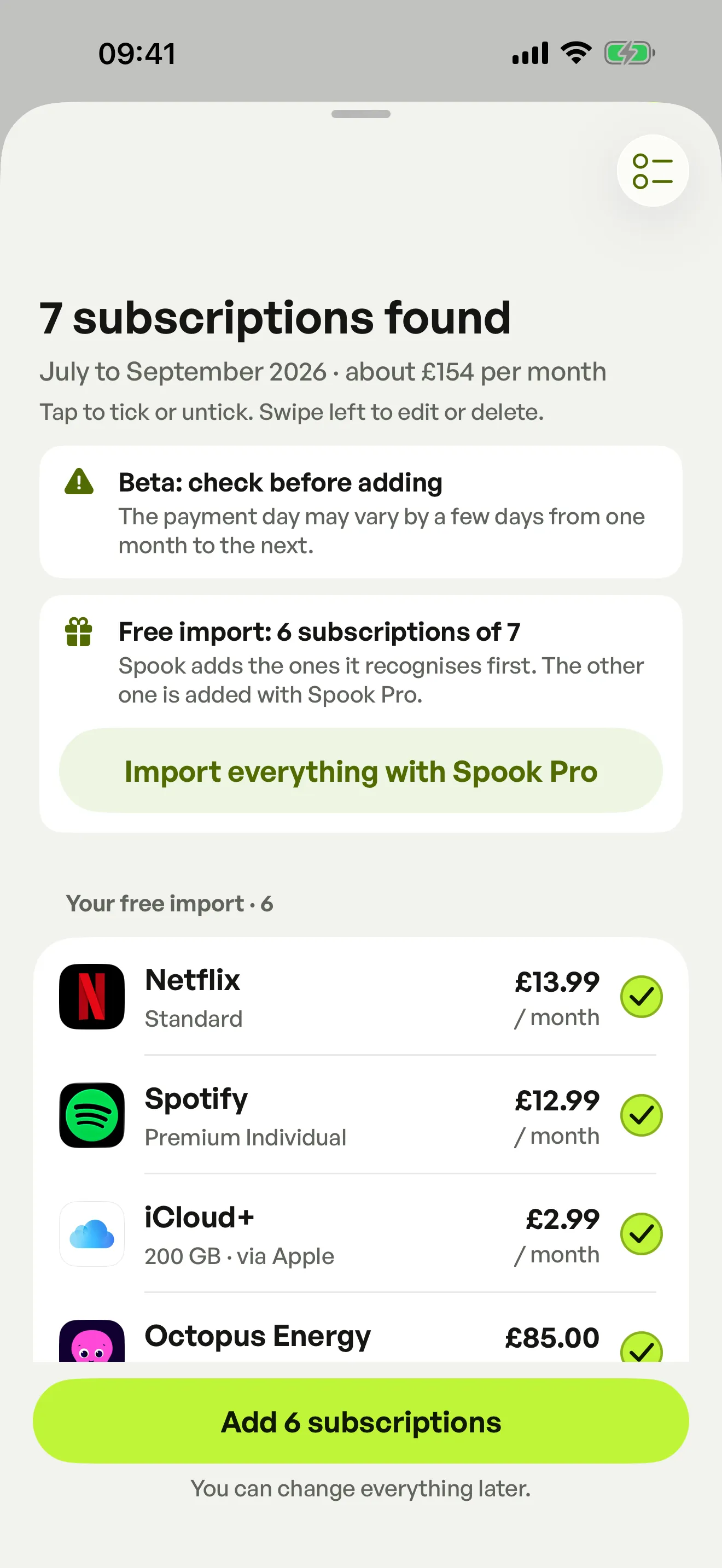
Quick import (beta)
Choose a bank statement as a PDF, CSV or photo: Spook finds the payments that come back every month. It is read on your phone, then forgotten.
Key dates
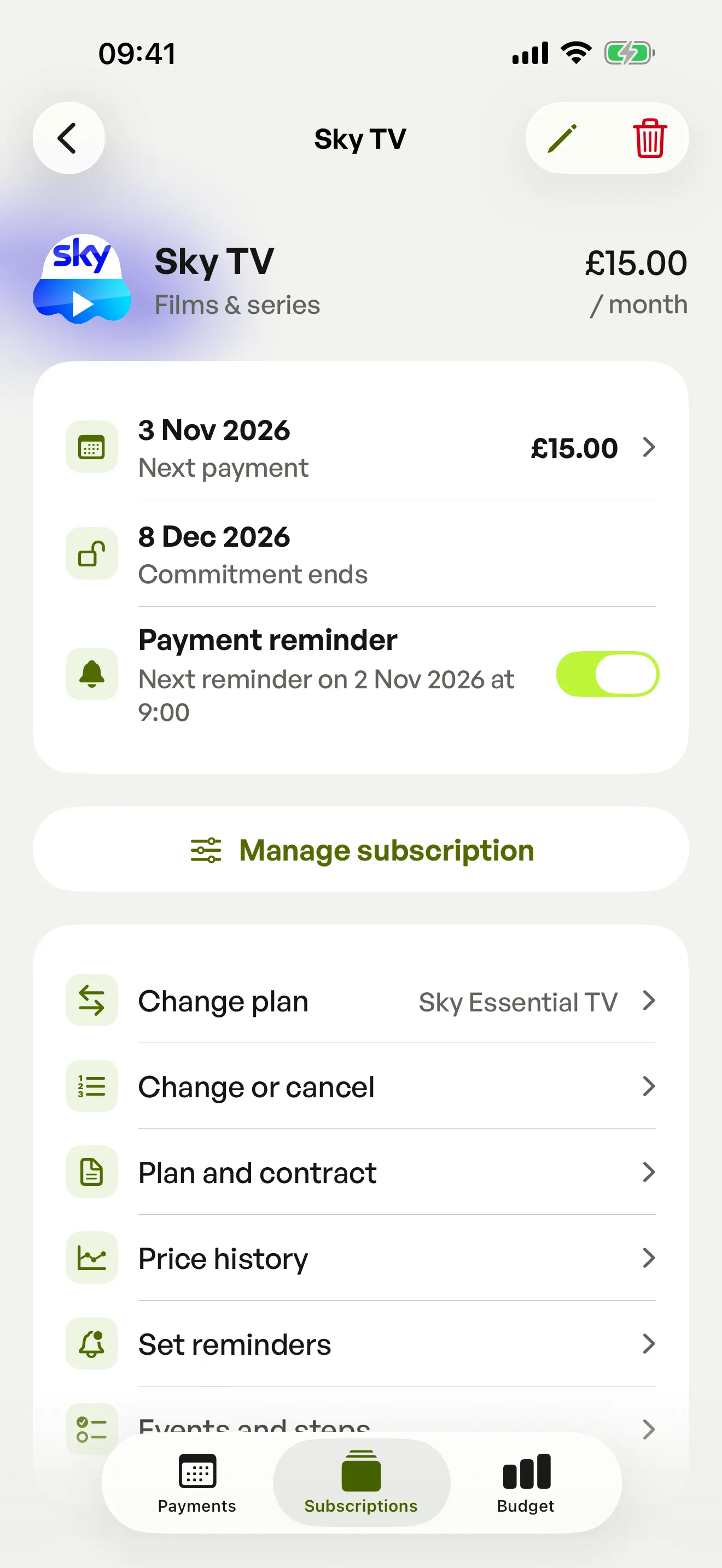
Trial end, price rise, end of minimum term: keep the dates that matter for each subscription, with a reminder the day before.
Who makes Spook
Hi, I’m Matteo, I’m 22. I build Spook on my own, to understand where my money goes and know when to act on my subscriptions.
I want an app that is useful every day and helps you save, with no ads and no selling of data.
An idea, a bug, a price that has changed? Write to me, I answer every message.

No account: you can start as soon as you open the app, without signing up.
No bank to connect: you add your subscriptions yourself, or import a statement.
Your subscriptions stay on your device: your entries stay local. Usage statistics and diagnostics are optional, with your consent.
Your data comes with you: in your device backups (iCloud or Google), or in a file thanks to the export.
Spook is an app for iPhone, iPad and Android that brings all your subscriptions together. It works out what you pay each month, reminds you the day before every payment or free trial end, and keeps the key dates of each subscription. Each subscription is tracked in its own currency: pounds, euros, dollars.
Yes, Spook is free to download and use, with no ads. Tracking 6 subscriptions, the day-before reminder, the calendar, your first statement import and the export are free. Spook Pro, an optional one-off purchase with no subscription, adds unlimited subscriptions and imports, smart reminders, 12-month statistics and widgets.
Spook is on the App Store for iPhone and iPad (iOS 17 or later), and on Google Play for Android 8 or later. The price of Spook Pro is shown by your store, in your currency, before you confirm.
Choose a statement as a PDF, CSV or photo, even a paper or scanned one. Spook reads it on your phone, spots the payments that come back every month and offers them, ready to add. The statement is never sent or kept. Your first import is free, up to 6 subscriptions. The import is in beta: check before adding.
No, Spook never connects to your bank and never asks for your banking details. You add your subscriptions yourself: pick a popular service in your country, type in any subscription by hand, or import a statement, then enter the amount and the next payment date.
Your subscriptions stay on your device, and in its backups depending on your settings (iCloud on iPhone and iPad, Google on Android). Nothing you enter in Spook is sent to it. To move to a new device, restore a backup or use the export.
No, Spook does not cancel anything for you. It keeps the dates that matter, such as the end of a free trial or a notice period, and reminds you in time. Deleting a subscription in Spook does not stop a payment: cancel with the provider, or in your App Store or Google Play subscriptions.
Spook shows the public prices of popular services in your country, taken from the providers’ own pages and dated. Prices can change: if your bill is different, correct the amount in Spook. It is the amount you enter that counts in your totals.
Another question? See support or write to contact@tichow.fr.